Excel + AI: The Smart User's Guide to Faster, Easier Work with ChatGPT
ChatGPT can take a lot of the friction out of Excel work. This hands-on 60-minute session shows how to combine Excel and ChatGPT to speed up repetitive tasks, simplify tricky formulas, tidy messy data and help with dashboards.
You'll see how to use ChatGPT to generate, explain and troubleshoot formulas, write and fix VBA scripts, and suggest better ways to work with your data. Real-world examples show how AI can support decisions, automate tasks and streamline reporting.
The session also covers uploading Excel files to ChatGPT safely, using ChatGPT from inside Excel through integrations and add-ins, and how to get better answers while avoiding common pitfalls.
- Explain how ChatGPT works with Excel
- Generate, explain and troubleshoot formulas with AI
- Write and fix VBA code with ChatGPT's help
- Upload Excel files to ChatGPT following best practices
- Use ChatGPT from inside Excel through integrations and add-ins
- Write prompts that give better answers and avoid common pitfalls
- What ChatGPT is and how it works with Excel
- Using AI to generate, explain and troubleshoot formulas
- Writing and fixing VBA code with ChatGPT
- Uploading Excel files to ChatGPT: do's, don'ts and best practices
- Using ChatGPT inside Excel, including integrations and add-ins
- Tips for better answers and avoiding common pitfalls
Many Excel users lose time searching for formulas, guessing at syntax or repeating tasks that could be automated. This session shows how to use ChatGPT as a plain-English co-pilot that helps you solve Excel problems faster.
It suits intermediate to advanced Excel users, including analysts, finance, HR and project managers. No prior ChatGPT experience is needed.
This session is ideal for intermediate to advanced Excel users who are curious about AI and want to get hands-on with practical tools. It’s especially useful for analysts, finance professionals, HR, project managers, and anyone who uses Excel regularly and wants to streamline their work. No prior experience with ChatGPT is required.
Mike has worked in the IT training business since 1989 where his expertise and experience covers designing, delivering training courses, writing training materials and recording and editing video-based tutorials. Although he is a subject matter expert in a range of Microsoft technologies and has worked extensively with Mac OSX and Mac-related software since 2006; however, his passion is for all-things-Excel and in 2012 he founded the website theexceltrainer.co.uk
Mike is a Fellow of The Learning and Performance Institute and has worked with and for a large number of global and UK-based companies and organizations across a diverse range of sectors. In addition to training, he designs and develops Microsoft Office-based solutions that automate key business tasks and processes.
Upcoming Webinars


By Don Phin
Date: Nov. 3, 2026
By Pete Tosh
Date: Nov. 4, 2026
By Bruce Lee
Date: Nov. 4, 2026



By Donna K Olheiser
Date: Nov. 5, 2026
By Carolyn Troiano
Date: Nov. 6, 2026

By William Mack Copeland
Date: Nov. 6, 2026

By Dev Strischek
Date: Nov. 9, 2026

By Edwin Waldbusser
Date: Nov. 9, 2026


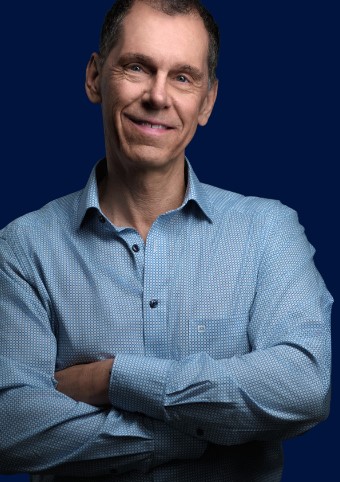
By Paul Pelletier
Date: Nov. 10, 2026
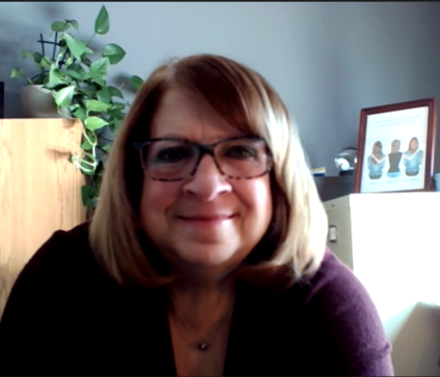
By Cathy Horwitz
Date: Nov. 10, 2026
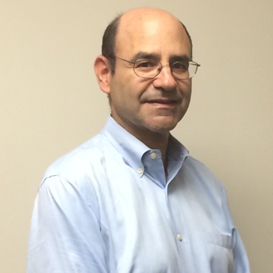

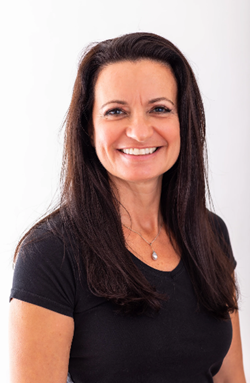
By Lesley Crook
Date: Nov. 13, 2026

By Dr. Susan Strauss
Date: Nov. 16, 2026



By David Nettleton
Date: Nov. 17, 2026


By Allen Evitts
Date: Nov. 17, 2026

By Dr. Bill Trombetta
Date: Nov. 17, 2026

By Diane L. Dee
Date: Nov. 19, 2026
By Abdelrahman Abdou
Date: Nov. 19, 2026
By Meredith Crabtree
Recorded Session


By Carolyn Troiano
Recorded Session

By Kelly Thomas
Recorded Session

By Rachelle D Souza
Recorded Session

By Marcia Zidle
Recorded Session


By Beverly Beuermann-King
Recorded Session

By Margie Faulk
DOL Reverses Course on Independent Contractor Rule for 2026! How Will Employers Adapt to the Change?
Recorded Session

By Mike Thomas
Recorded Session
By Marcia Zidle
Recorded Session

By Ritu Arora
Recorded Session
By Diane L. Dee
Recorded Session
By Dr. Susan Strauss
Recorded Session
By Diane L. Dee
Recorded Session
By Beverly Beuermann-King
Recorded Session
By Bruce Lee
Recorded Session
By Charles H. Paul
Recorded Session
By Marcia Zidle
Recorded Session


By Audrey Halpern
Recorded Session


By Marcia Zidle
Recorded Session

By Ronald L. Adler
Recorded Session